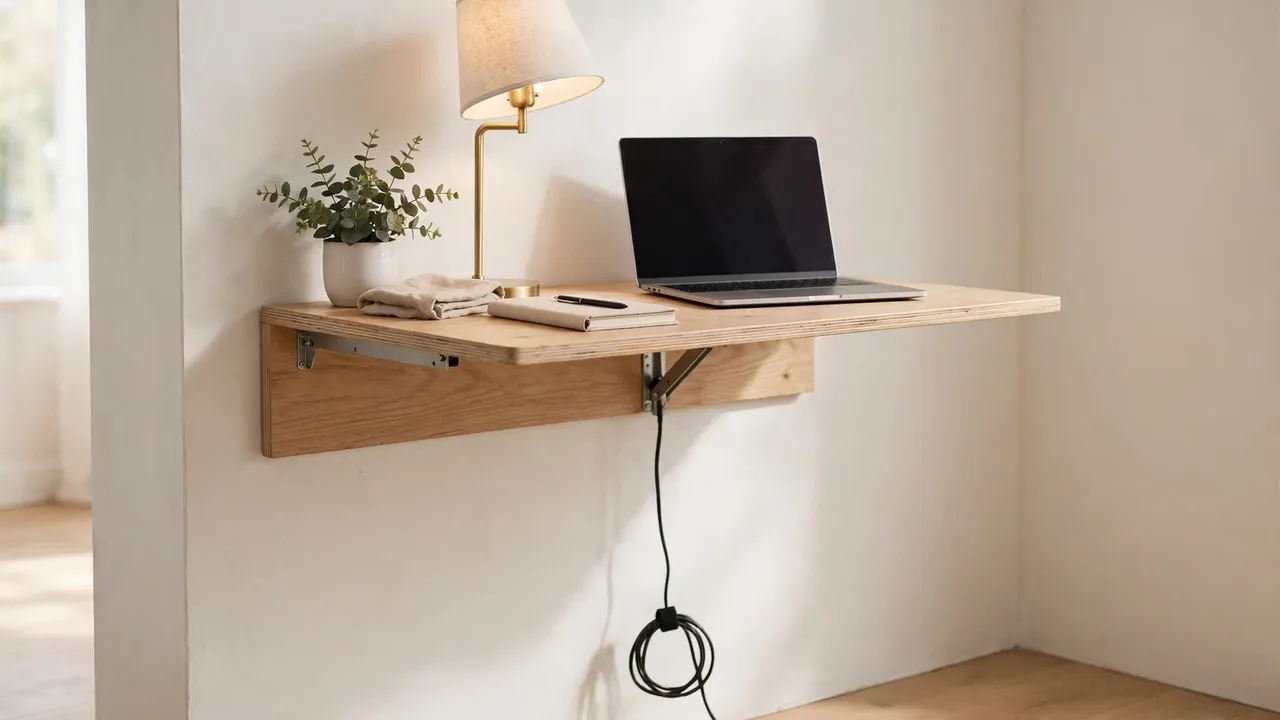
Good folding desk cable management means routing every cable so the desk can still fold. Keep the power strip on the floor, use a detachable bundle held with hook-and-loop ties, leave a loose loop near each hinge, and check that no cable crosses a hinge, lock or folding leg before you fold the desk away.
That is the key difference from a fixed desk. On a fixed desk you can fix cables in place and forget them, but on a folding desk every cable must survive being folded, carried, stored and unfolded again.
This guide covers both main types: wall-mounted fold-down desks, where the top hinges down from the wall, and freestanding folding-leg desks, where the legs fold flat under a thin top. Everything here is removable and renter-friendly, with no drilling.
Why Folding Desks Need a Different Approach
A folding desk moves in ways a fixed desk never does. The top swings through an arc, the legs pivot inwards, and the desk may be lifted or slid behind a door.
A cable across a hinge gets pinched when the desk folds, and a strip stuck under a thin top can pull away when the desk is lifted. So ask a different question: not how to hide cables permanently, but how to make them easy to connect, easy to disconnect, and easy to check.
Wall-Mounted Fold-Down Desks vs Folding-Leg Desks
Work out which type you have first: the hinge and fold line decide where cables can safely go.
Wall-mounted fold-down desks
A fold-down desk is fixed to the wall along its back edge, usually with two or more hinges, and folds up flat against the wall. The surface is often thin and may not take screws or heavy fixings well.
The main risks are at the wall hinge and the folding supports. A cable running from the socket up to the desk will be pulled or trapped as the top swings unless it has a generous loop and a clear path.
The advantage is the wall itself. A power strip can live on the wall or floor below the desk, rather than on the moving top.
Freestanding folding-leg desks
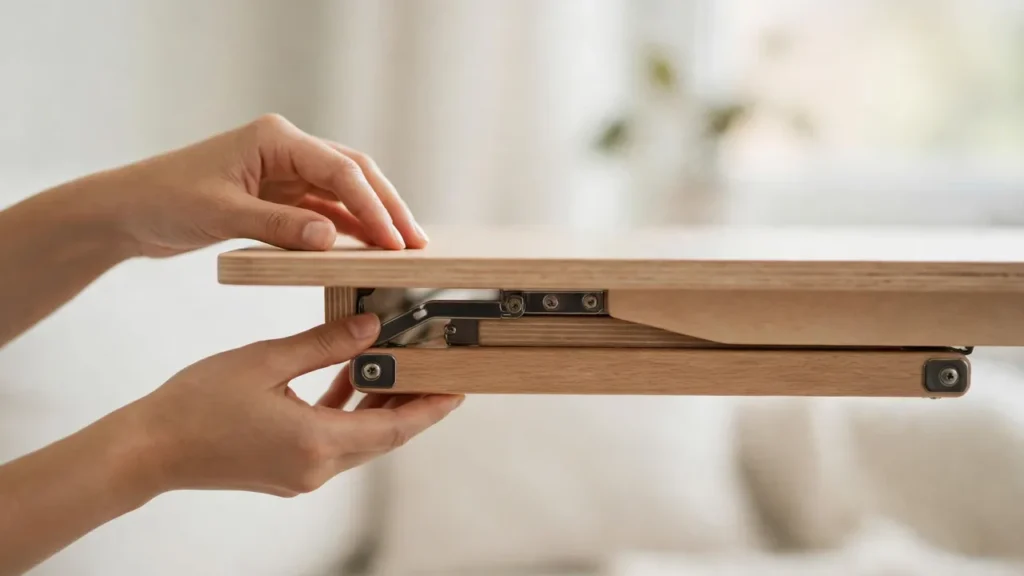
A folding-leg desk has a thin top and legs that fold flat underneath it, often with a locking bar or catch. The desk may be moved or stored flat.
Here the risks are under the top. The legs sweep through a wide arc as they fold, and any cable, clip or tray in their path can be knocked off, bent or trapped.
What You Will Need
Keep the kit light: heavy trays and bulky adapters work against a folding desk.
- A short power strip with a switch: the single power point for the desk, kept off the folding top.
- Reusable hook-and-loop cable ties: for bundling cables loosely, and for opening and closing again.
- Adhesive cable clips: small sticky-backed clips that guide a cable along a fixed edge.
- A slim cable sleeve or spiral wrap: to bundle two or three cables into one flexible run.
- A small removable pouch: for holding a charger and its cable together when the desk is folded away.
- Coloured tape or small labels: for marking which cable belongs to which device.
Step 1: Map the Fold Before You Route a Single Cable
Fold and unfold the empty desk, with no cables connected. Watch it slowly and note where every moving part goes, because this five-minute check prevents most folding-desk cable damage.
On a fold-down desk, watch the hinge line and the gap between the top and the wall when folded up. No cable should sit in the strip the hinge sweeps through.
On a folding-leg desk, watch each leg as it folds flat, and watch the locking bar or catch. A clip in the middle of the underside may look tidy, but if a leg passes over it, the clip will be knocked off or the leg will not fold flat.
Step 2: Keep the Power Strip Off the Moving Top
Keep the power strip off the folding top. A strip, several plugs and their adapters are the heaviest part of most desk setups, and mounted under a thin top they add weight where the hinge must carry it.
Instead, put the strip on the floor below a fold-down desk, close to the wall and out of the walkway, with its switch facing outwards. Beside a freestanding desk, tuck it against the wall or the leg that does not move, so it stays put when the desk is folded and moved.
Do not daisy-chain one power strip into another, do not overload the strip or the wall socket, and do not cover the strip or any adapter that gets warm. If you need extra sockets or fixed wiring work, ask a qualified electrician rather than improvising.
Step 3: Build a Detachable Cable Run
Think of the cables as a single removable run, not a permanent installation: a bundle you can lift off, unplug, or release in seconds when you fold the desk, and put back just as quickly.
Unplug everything and lay the cables out. A laptop, a monitor and a phone charger is a common set, while a printer, speakers and a lamp may be too much for a small folding top.
Label both ends of each cable with coloured tape or small labels. Labels turn a two-minute set-up into a thirty-second one, because you will reconnect often.
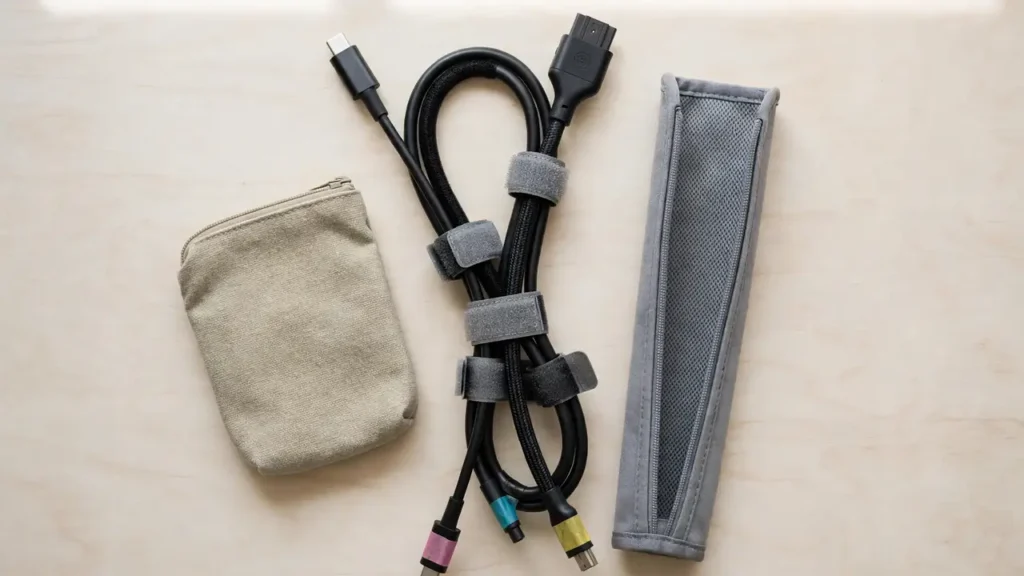
Bundle cables that travel together with reusable hook-and-loop ties, not single-use zip ties. Zip ties must be cut off to change the layout, and a tight tie can pinch a cable.
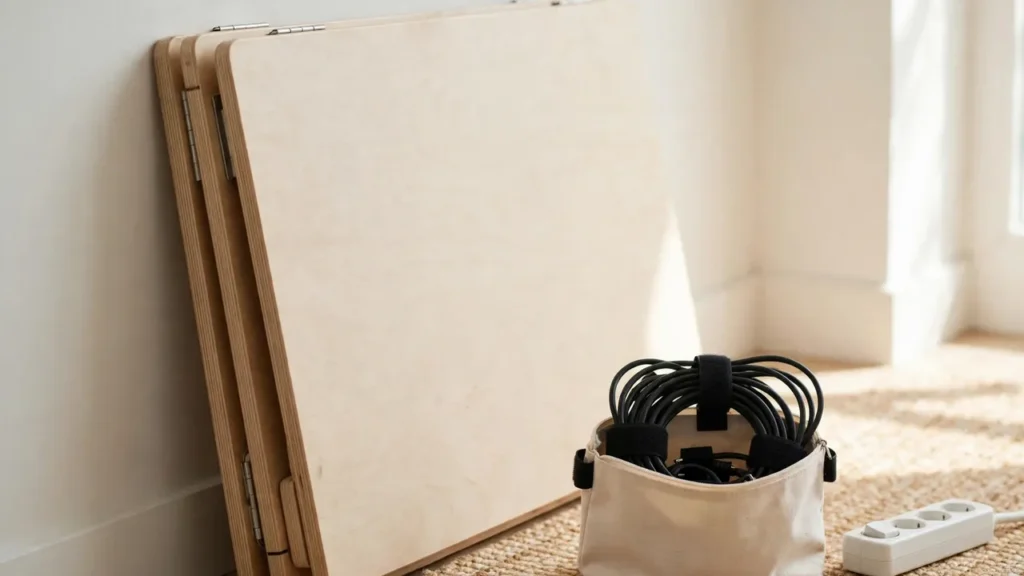
Decide on a single disconnection point. The simplest system is to unplug the whole bundle from the power strip when you fold the desk, coil it loosely, and store it with the desk or in a pouch.
Step 4: Route Cables Clear of Hinges, Locks and Legs
Routing is where folding desk cable management succeeds or fails. No cable should cross, touch or pass near a hinge, a lock, a folding bracket or a folding leg while the desk is moving.
On a fold-down desk, run cables from the strip up to the desk in a short vertical drop at one side, away from the hinges. Leave a loose loop, sometimes called a service loop, just below the hinge line, so the cable has enough slack to move as the top swings.
Keep cables off the surface when you fold a fold-down desk up. Remove laptops, chargers and loose cables first, or they can slide, catch in the hinge, or get trapped between the top and the wall.
On a folding-leg desk, route cables along the back edge of the underside, in the strip the legs do not sweep through. Leave a loose loop where the cable drops to the floor, so the desk can move a short distance without pulling the cable tight.
Never run a cable through a hinge, under a locking bar, or along the inside of a folding leg. If a lock will not close, or a leg will not fold flat, stop and look for a trapped cable before forcing anything.
Step 5: Set Up and Pack Away in the Same Order Every Time
To set up, lock the legs or brackets fully open and check every lock has clicked into place. Check the hinge and lock areas are clear, put the power strip in its usual spot, lay the bundle in place, and connect your devices, leaving a little slack in each cable.
To pack away, save your work and remove laptops, chargers and loose items from the surface. Unplug the bundle at your chosen point, pulling by the plug, not the cord, coil the cables loosely, and check again that no cable is draped over a hinge, a lock or a leg.
Lightweight Setups That Work Well
Laptop only. One laptop and one charger is the simplest setup, and often the best. The charger cable runs from the floor strip up to the laptop in a single short run, and there is almost nothing to catch or crush.
Laptop plus monitor. A monitor adds two cables: power and video, so keep both in one slim sleeve and leave a small loop where the sleeve meets the desk. For charging, keep chargers in a pouch on the floor beside the desk, not on the desk itself.
Cost-conscious alternatives: hook-and-loop ties and adhesive clips are inexpensive, and a pouch you already own can store the coiled bundle. Spend instead on a power strip in good condition from a reputable source, and on replacement cables that match the device manufacturer’s specification.
Common Mistakes to Avoid
- Fixing cables permanently to a folding top: screws, heavy trays and rigid trunking fight the fold.
- Routing a cable across a hinge or lock: it will be pinched when the desk folds.
- Leaving cables on the surface when folding up: they slide, catch and get trapped.
- Pulling cables tight: tight cables tug at sockets and leave no slack for the fold.
- Mounting the power strip under a thin top: the weight can pull fixings away.
- Using single-use zip ties: they must be cut off to change the layout.
- Covering warm adapters: do not wrap an adapter tightly or seal it in a box with no airflow.
- Forcing a lock or leg that will not close: stop and check for a trapped cable first.
- Skipping the fold check: a routing that looks fine when open can fail when the desk folds.
- Overloading a small folding desk: too many devices make the desk harder to fold.
Troubleshooting
The desk will not fold flat. Stop and look underneath and along the hinge line. A cable, clip, pouch or adapter is probably in the path of a leg or caught in a lock, so remove it and re-route it clear of the moving parts.
A cable is pinched or marked after folding. Inspect it along its whole length for flattened insulation, kinks or exposed wires. If you see damage, replace it, and do not hide the damage inside a sleeve.
Frequently Asked Questions
Can I use a cable tray on a folding desk? Sometimes, but only a shallow, lightweight tray that sits clear of the legs, hinges and locks, and only if the top can take its weight.
Should I unplug everything every time I fold the desk? For a freestanding desk that will be moved or stored flat, yes, unplug the bundle at the power strip. For a wall-mounted desk that stays in place, you may lift devices and cables off the surface, provided no cable crosses the hinge.
Is it safe to leave a power strip plugged in when the desk is folded away? A strip in good condition, not overloaded, not covered and not daisy-chained, can be left plugged in if it is accessible and its switch is off.
Folding desk cable management is not about hiding cables perfectly. It is about making a desk that folds away easy to use, easy to fold, and safe to repeat day after day.