Skip to content
  • Home
  • Small-Space Fixes
  • Under-Desk Cables
  • Standing Desk & Monitor
Desk Cable Fix
  • Home
  • Small-Space Fixes
  • Under-Desk Cables
  • Standing Desk & Monitor

Standing Desk & Monitor Cable Problems

Cable routing, connection problems and practical wire-management solutions for adjustable desks and single or multiple monitor setups.

How to Manage Cables on a Height-Adjustable Desk
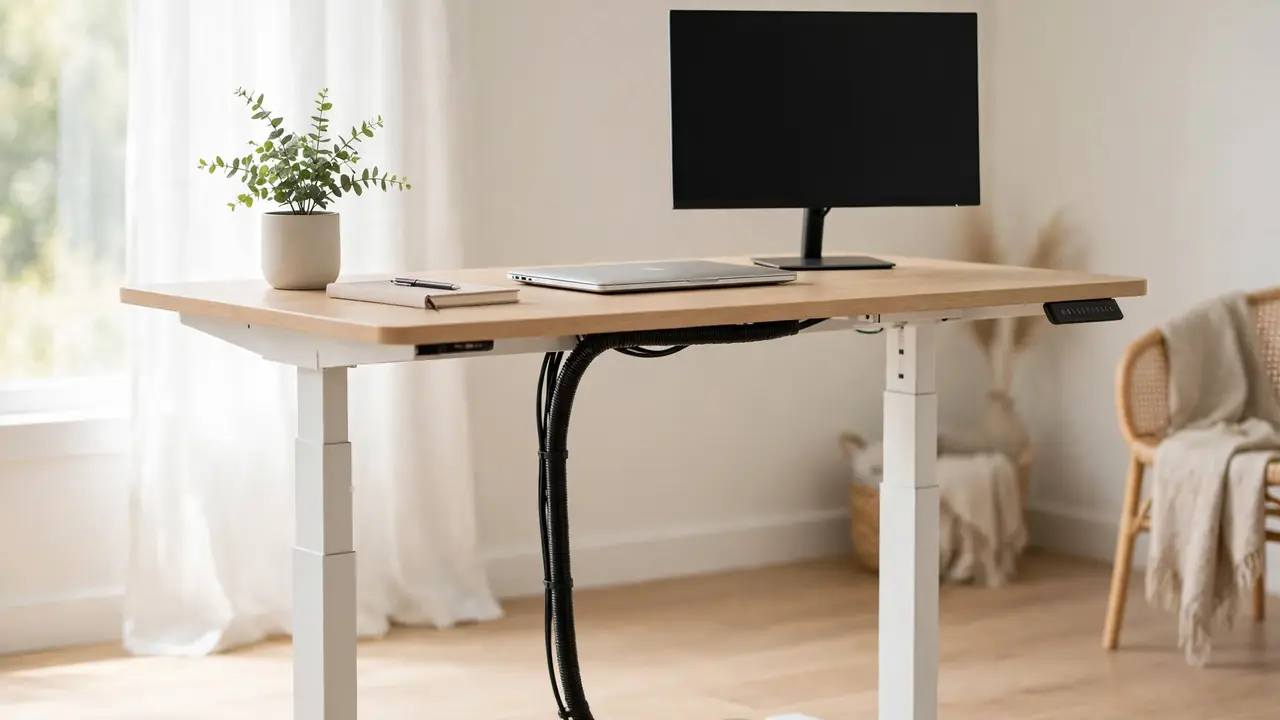
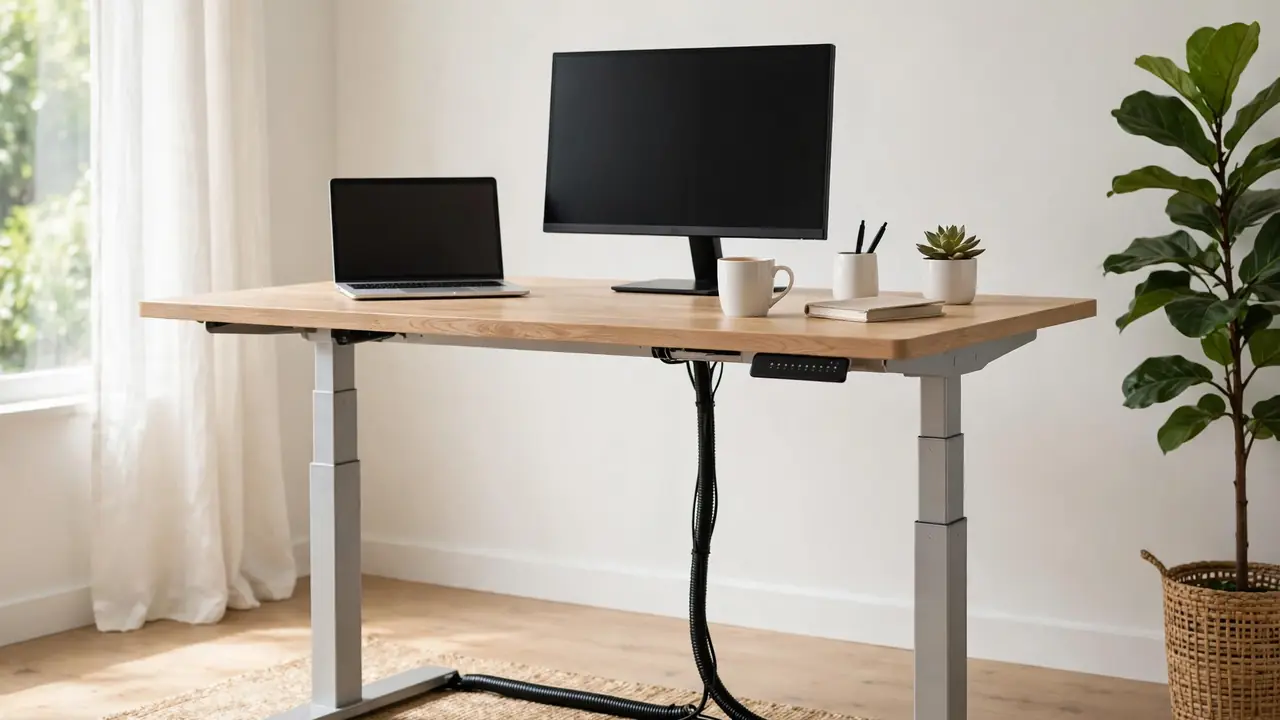
Height-adjustable standing desk raised to standing height in a bright home office, with a monitor and closed laptop on the desk and cables routed tidily through a black cable spine to the floor

Good standing desk cable management comes down to one rule: every cable must move with the desktop. Fix cables to the moving desktop, give them slack for the full travel range, and guide the run to the floor through a …
Continue Reading

Categories Standing Desk & Monitor Cable Problems

How Much Cable Slack Does a Standing Desk Need?

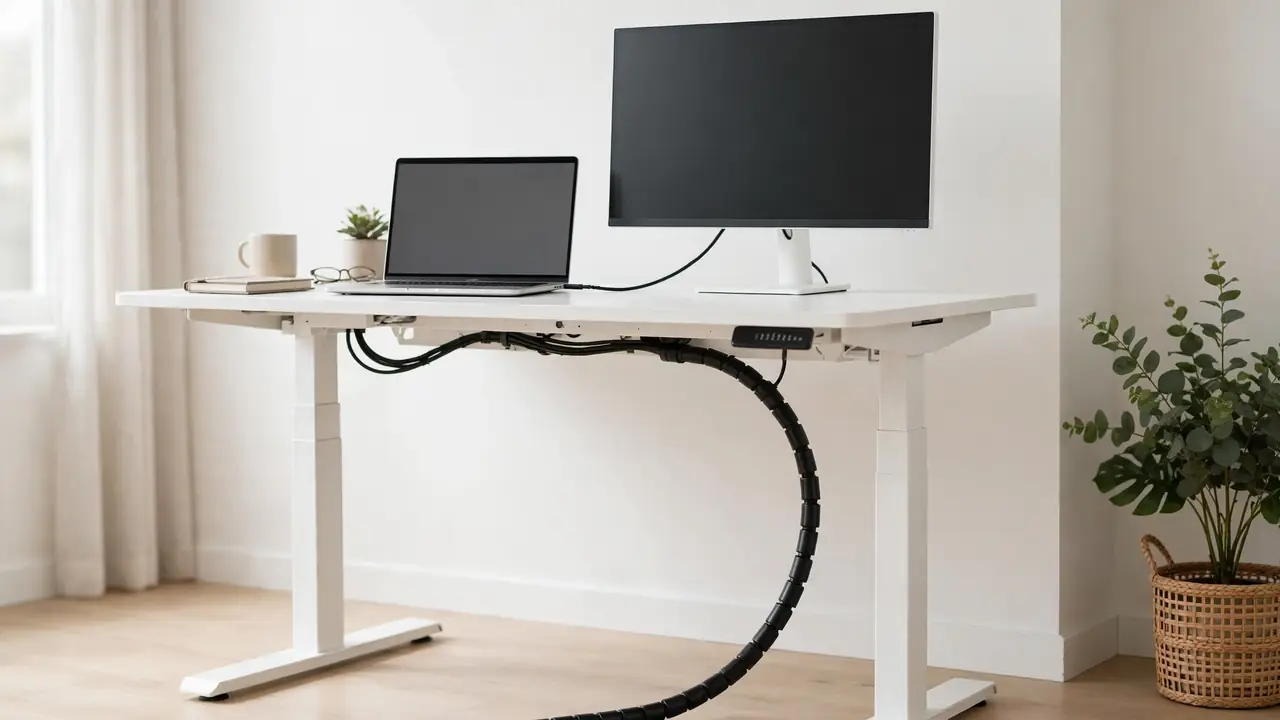
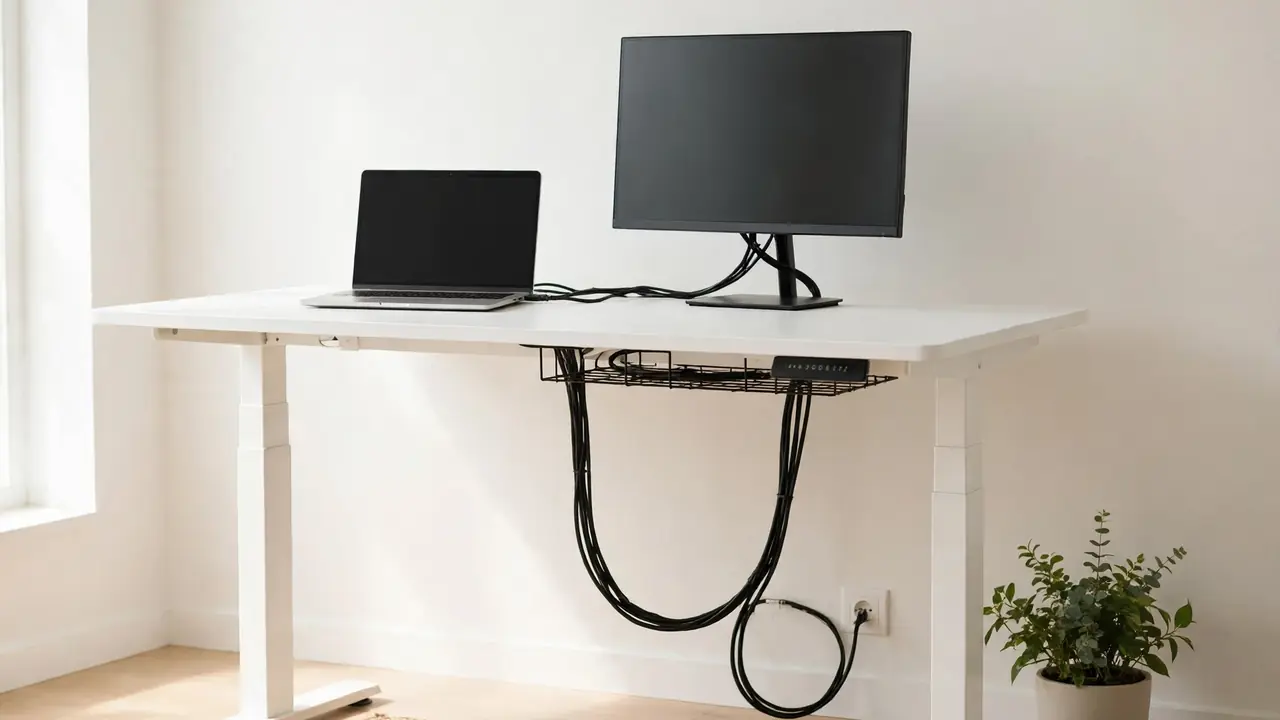
White standing desk raised to standing height with a monitor and laptop, black cables running in a neat slack loop from the under-desk tray down to a wall socket in a bright home office.

Standing desk cable slack is the extra length that lets your desk rise from sitting to standing height without pulling a plug out or straining a socket. There is no single correct number of centimetres that suits every desk: the …

Continue Reading

Categories Standing Desk & Monitor Cable Problems

How to Stop Monitor Cables Pulling When Raising a Desk

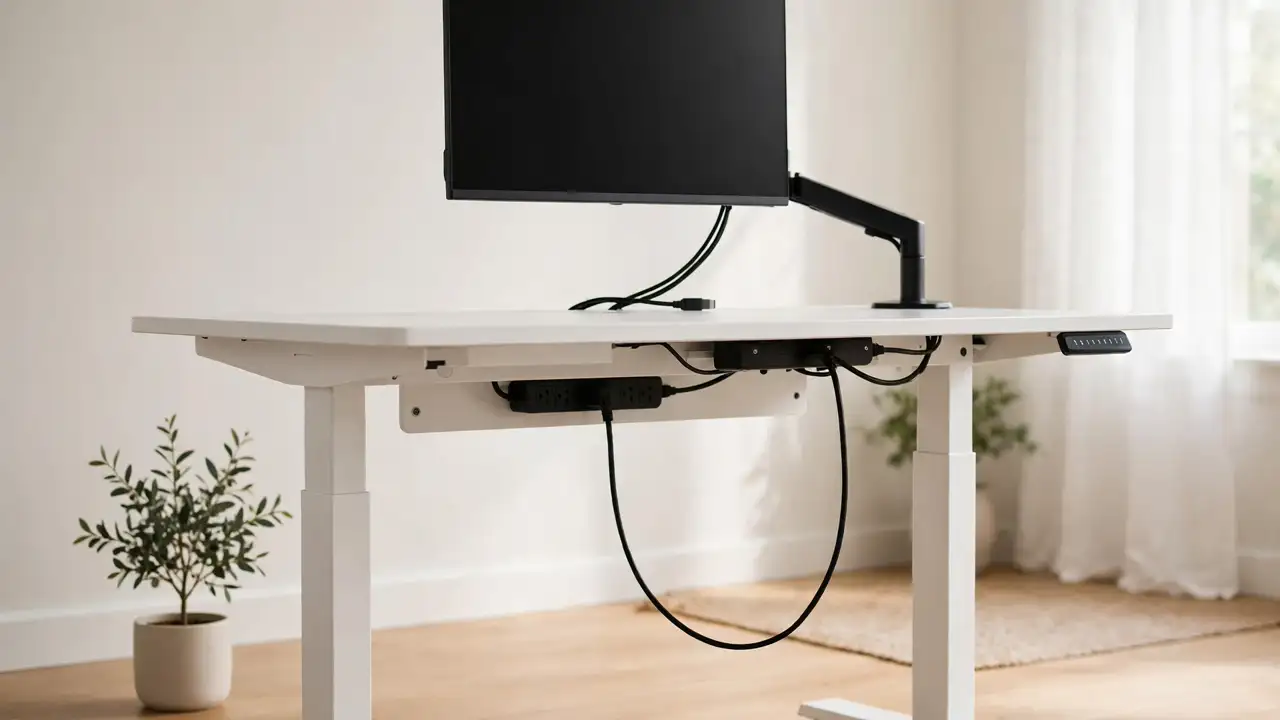
A white standing desk raised to standing height with a monitor on an arm and its cables hanging in a neat slack loop to a power strip mounted under the desktop

If your monitor cables pull tight every time you raise your standing desk, the fix is almost always the same: give the cables a route that travels with the desktop, with enough slack for the full height range. Reroute them …

Continue Reading

Categories Standing Desk & Monitor Cable Problems

Cable Spine vs Cable Chain for Standing Desks

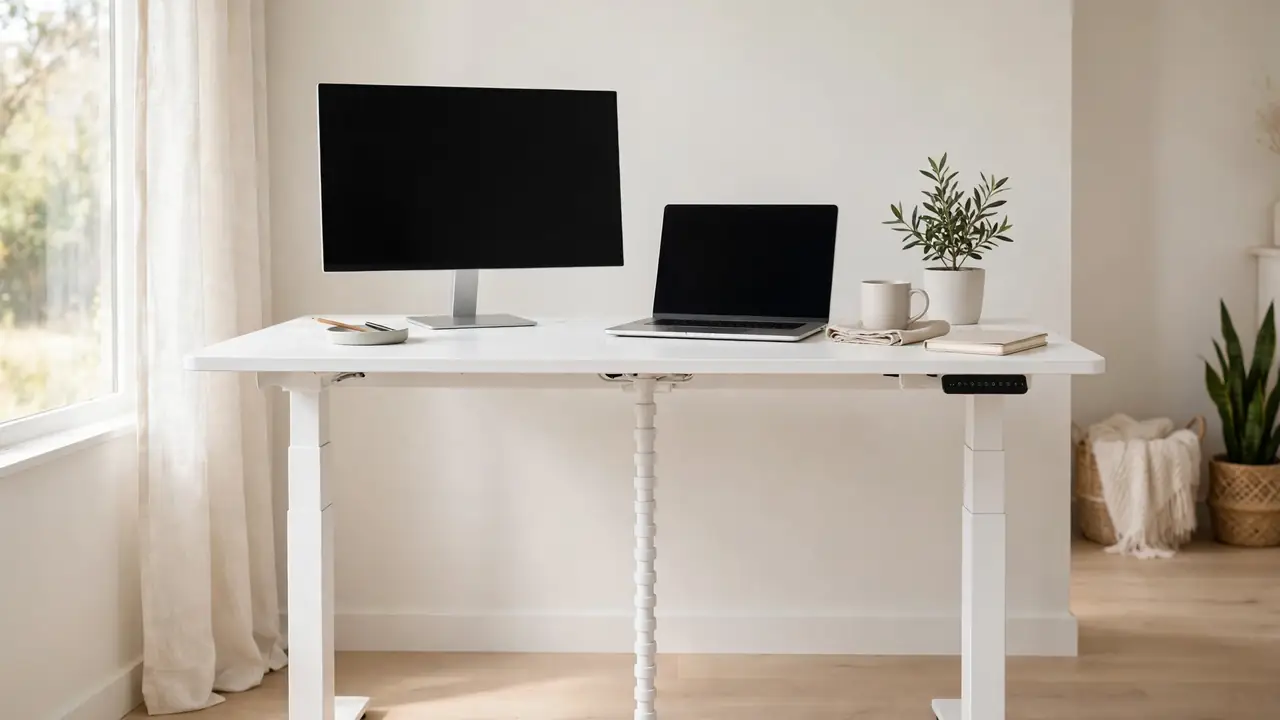
A white standing desk raised to standing height in a bright home office, with a neat white cable spine running from the desktop to the floor, a monitor and laptop on the desk

If your standing desk cables snag or dangle every time you raise the desktop, a cable spine or a cable chain will fix it. A cable spine is a flexible vertical tube that hangs from the desk to the floor, …

Continue Reading

Categories Standing Desk & Monitor Cable Problems

How to Hide Cables on a Dual-Monitor Desk

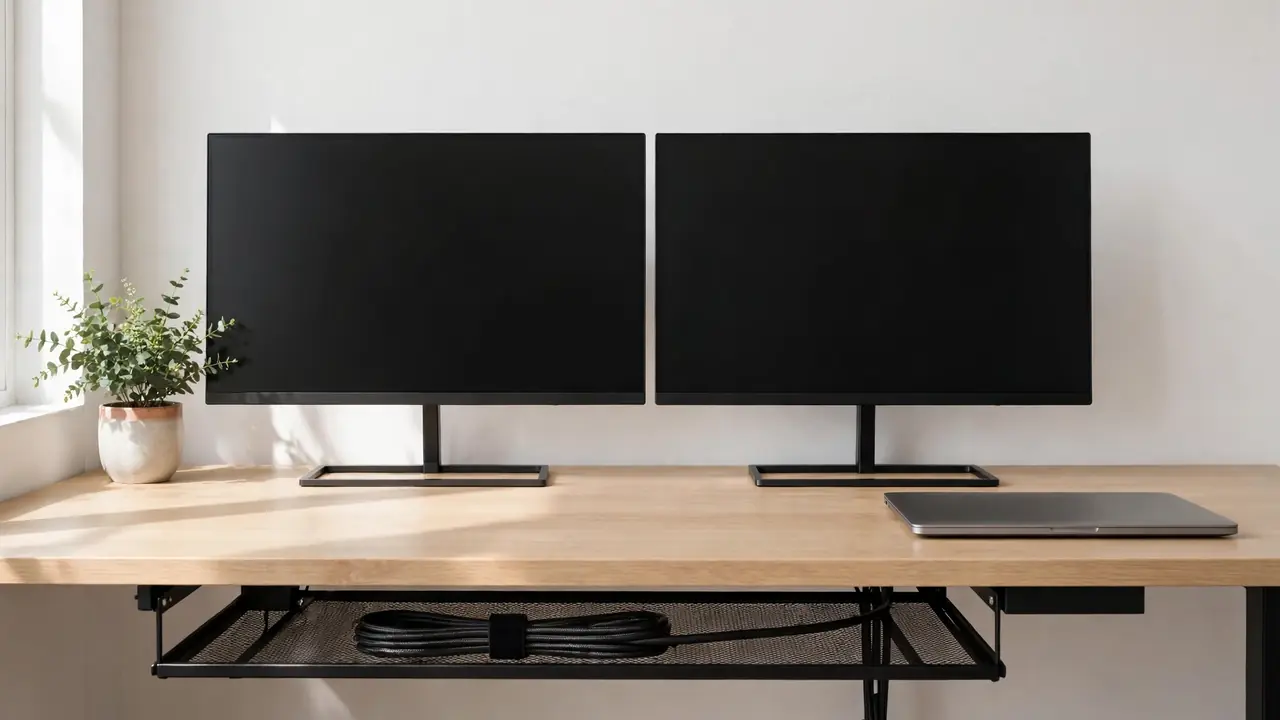
Two tidy monitors on a light wood desk in a bright home office, with cables hidden in a mesh tray under the desk

The simplest way to hide cables on a dual-monitor desk is to run every cable from both monitors into one shared route: a cable tray or sleeve under the back edge of the desk, with the power strip inside it …

Continue Reading

Categories Standing Desk & Monitor Cable Problems

How to Route Cables Through a Monitor Arm

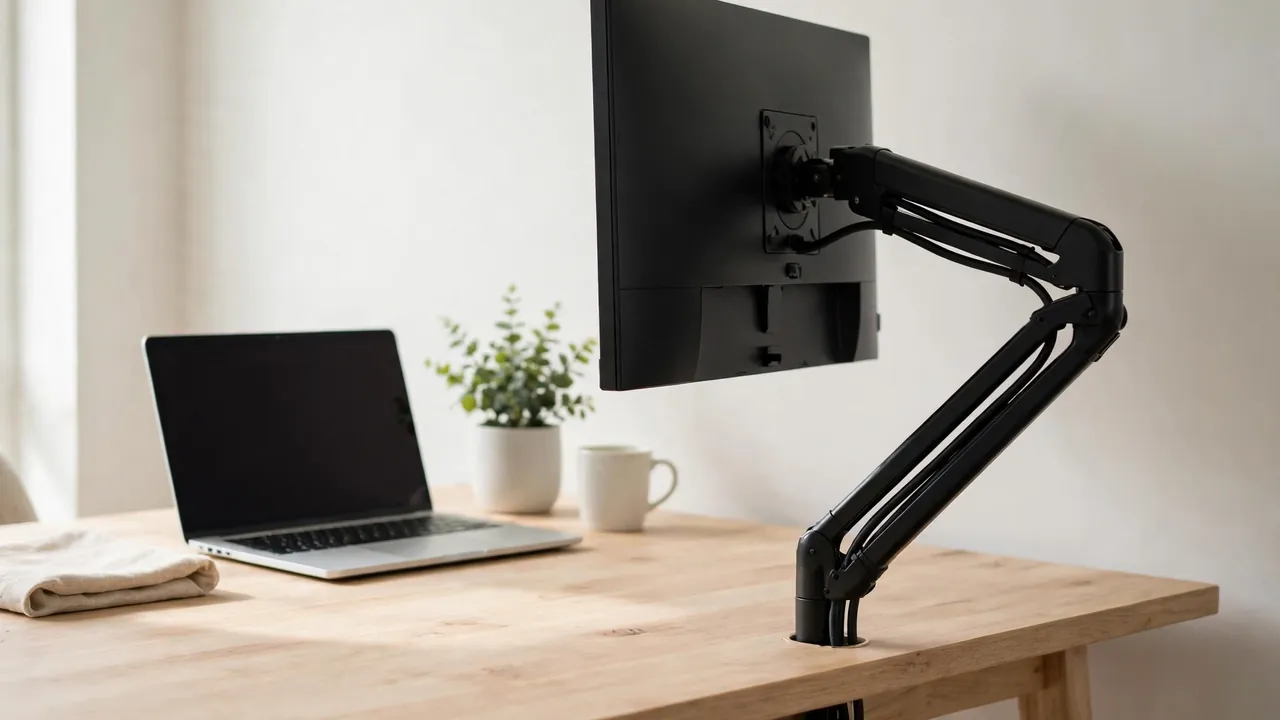
Tidy home desk with a monitor on an articulated arm, cables routed neatly through the arm channel

To route cables through a monitor arm, unplug everything, thread each cable through the arm’s built-in channel or clips from the monitor down to the desk, leave a small slack loop at every joint, and guide the cables into a …

Continue Reading

Categories Standing Desk & Monitor Cable Problems

How to Stop Monitor Cables From Getting Tangled

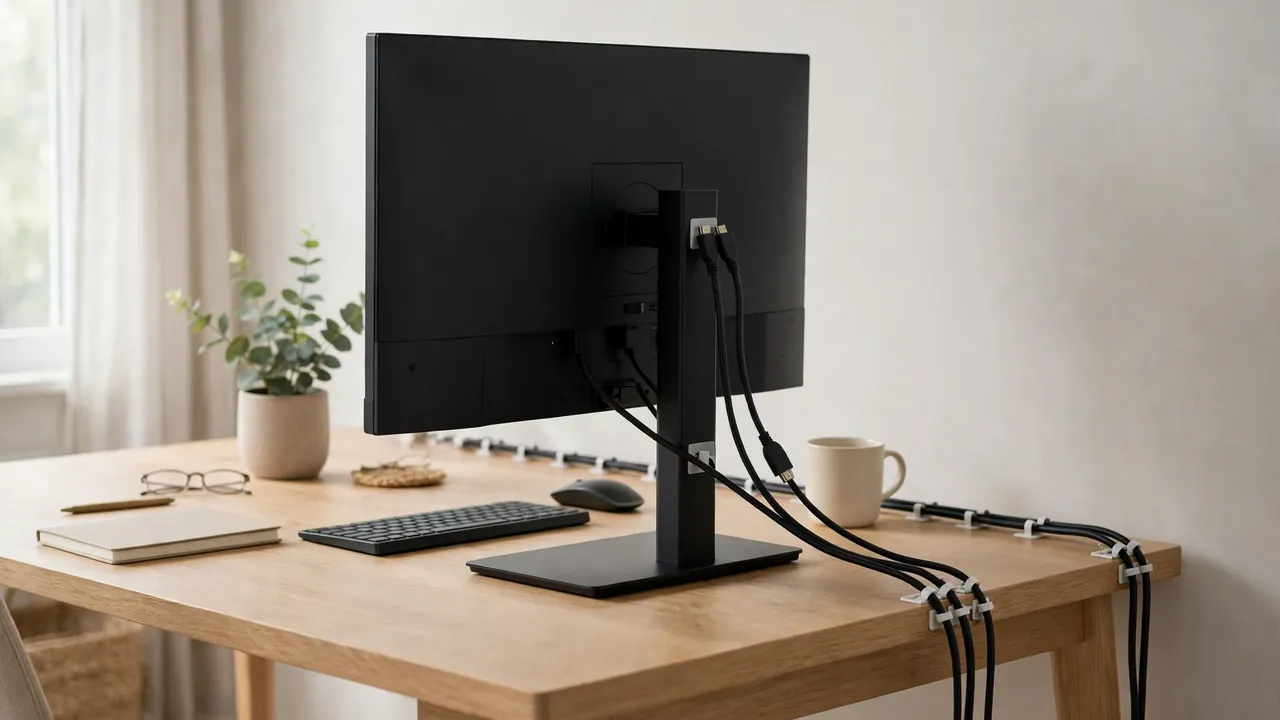
Tidy home desk with a monitor whose cables run neatly in parallel along the back edge of the desk, held by small clips

You can stop monitor cables from getting tangled by giving every cable its own fixed route, keeping parallel cables parallel, bundling them loosely with reusable ties, and leaving a small slack loop at the monitor end instead of a hanging …

Continue Reading

Categories Standing Desk & Monitor Cable Problems

Standing Desk Cable Management Without a Cable Tray

A modern height-adjustable standing desk raised to full standing height in a bright home office, with a flexible cable spine running neatly from under the desktop to the floor

You can manage standing desk cables without a cable tray by using a cable spine or chain to carry the drop to the floor, adhesive clips and a sleeve under the desk, and a power strip fixed to the desktop …

Continue Reading

Categories Standing Desk & Monitor Cable Problems

How to Organise USB-C Docking Station Cables

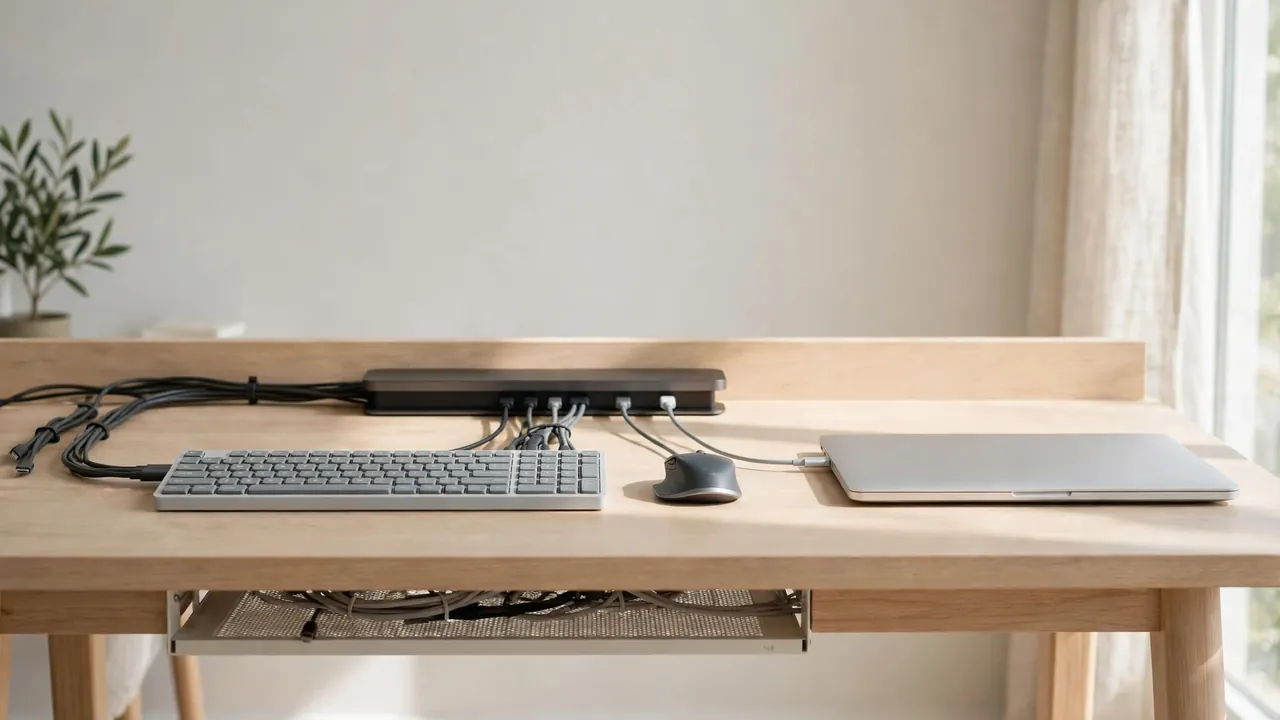
A tidy light-wood home office desk with a USB-C docking station at the back edge, one cable running to a laptop and monitor and keyboard cables grouped into neat short runs

Good USB-C docking station cable management comes down to one idea: the dock is the hub, and every cable should run to it along a short, planned route with a little slack. Put the dock where you can reach its …

Continue Reading

Categories Standing Desk & Monitor Cable Problems

How to Stop Cables Catching on a Standing Desk Frame

A tidy height-adjustable standing desk raised to standing height in a bright home office, with laptop and monitor on top and all cables gathered in a single black cable spine curving neatly down to the floor

To stop standing desk cables catching on the frame, keep every cable inside the frame envelope and away from moving parts, carry the bundle from the desktop to the floor in a cable spine or chain, leave a gentle slack …

Continue Reading

Categories Standing Desk & Monitor Cable Problems

How to Hide Monitor Power Adapters Behind a Desk

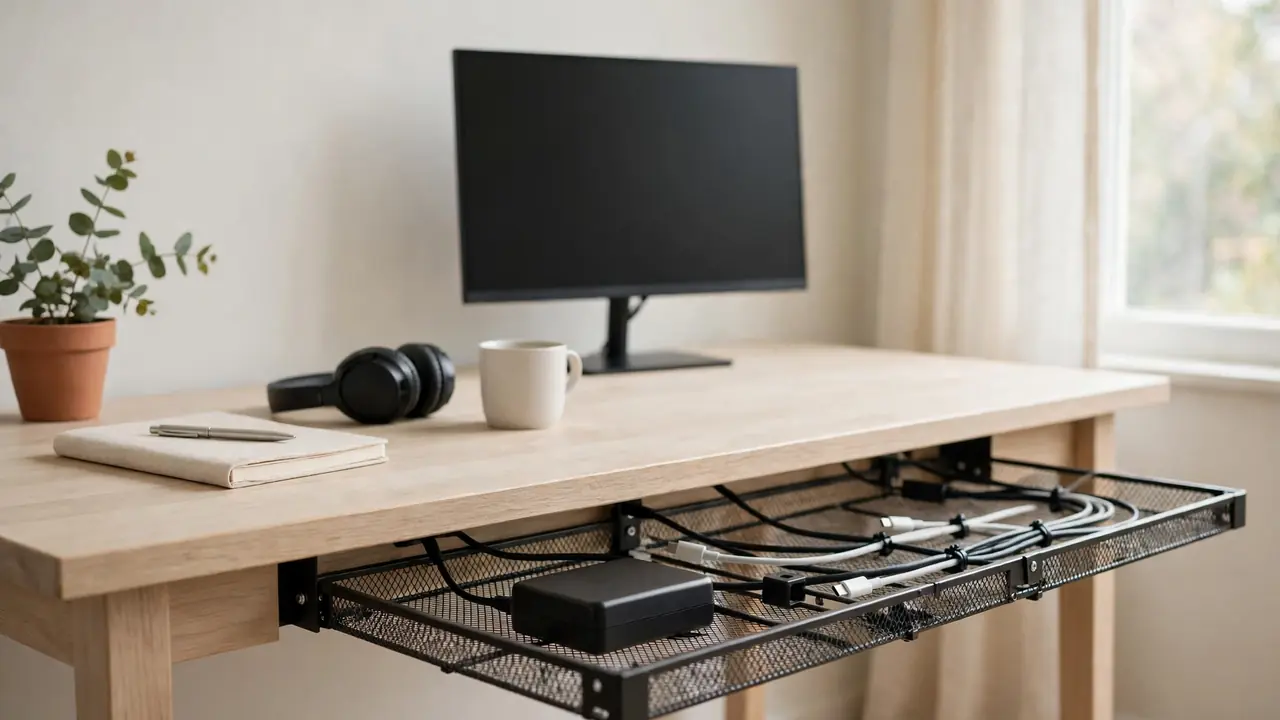
Tidy light-wood desk with a monitor and a black power adapter lying flat in an open ventilated mesh tray under the back edge of the desk

To hide monitor power adapter bricks behind a desk, place each adapter flat in a ventilated under-desk tray or basket, with air flowing freely around it, then route the short DC lead up to the monitor and the mains lead …

Continue Reading

Categories Standing Desk & Monitor Cable Problems
Older posts
Page1 Page2 Next →

Desk Cable Fix · Practical guides to hiding, routing and organising desk cables.

  • About Us
  • Contact Us
  • Privacy Policy
  • Disclaimer
  • Terms and Conditions
© 2026 - Desk Cable Fix. All rights reserved.