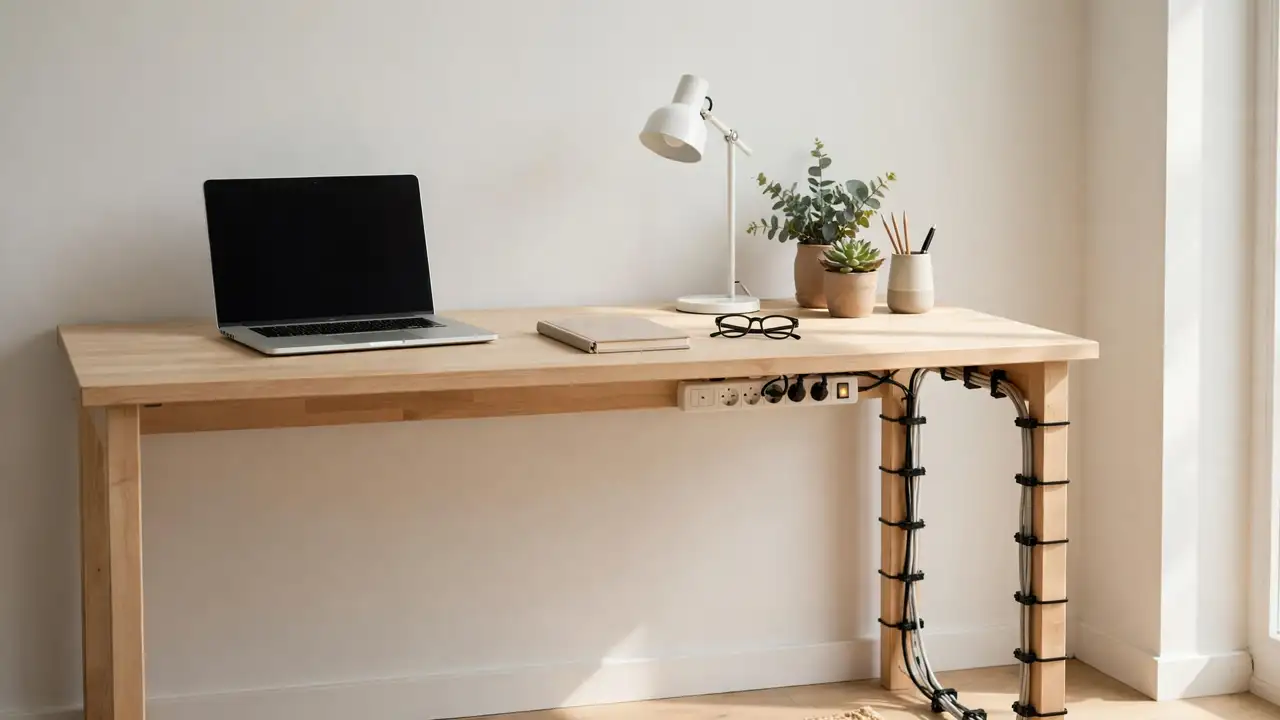
To hide a power strip in a small home office, put it out of sight but still easy to reach and well ventilated — usually under the back edge of the desk, inside a ventilated cable-management box, or behind a small cabinet near the wall socket. Choose the spot first, then the hiding method. Never seal a strip and warm adapters inside a closed box.
A small home office leaves nowhere for a power strip to go. The desk is often against a wall, the room may double as a bedroom, and the strip ends up on the floor, where it collects dust, gets kicked, and tangles with cables. A strip on the floor is also easier to trip over and harder to switch off.
Start With the Room, Not the Strip
Before you buy anything, look at the room as a whole. Where is the wall socket, and how far is it from the desk? Which side do you sit on? Where does your chair move? The best hiding place is close to the socket and the desk, and reachable without moving furniture.
Count what needs power, too. A laptop charger, a monitor, a printer, a phone charger, and a desk lamp is five plugs, so a four-socket strip will not do. Choose a strip with a spare socket. Never plug one strip into another.
Which Hiding Place Suits Your Room?
| Your situation | Best hiding place | Watch out for |
|---|---|---|
| Desk against a wall | Under the back edge of the desk | Switch must stay reachable |
| Rented home, no drilling | Ventilated cable-management box | Vents must stay clear |
| Very small desk | Behind a cabinet or shelf unit | Keep it off the floor and stable |
| Desk in the middle of the room | Under the desk, cables down a leg | Cable must not cross a walkway |
| Corner desk or alcove | Corner behind the desk | Do not crush the cable |
What You Will Need
- A power strip in good condition, with enough sockets, a cable long enough to reach the wall socket, and a switch you can find by touch. Check for cracked casing or a damaged cable first — a damaged strip should be replaced, not hidden.
- Your hiding method: a ventilated cable-management box, a clamp-on tray, adhesive holders rated for the strip’s weight, or screw brackets.
- A tape measure, reusable hook-and-loop cable ties, and a cable sleeve or short trunking for the run to the socket if needed. Check the strip’s instructions first: some manufacturers advise against enclosing a strip at all.
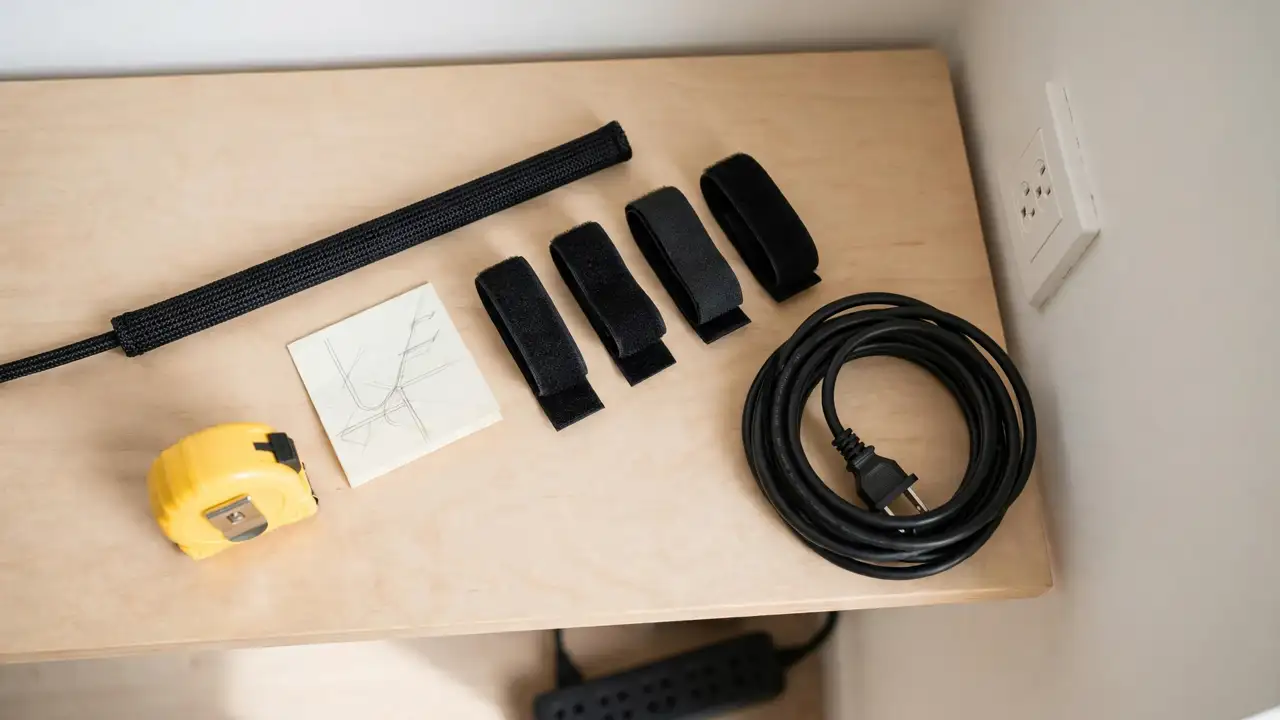
Step-by-Step: Hiding the Strip
- Pick the hiding place. Sit at your desk and reach behind and under it, as you would when switching off. The place you can reach easily, without moving the chair, is your hiding place.
- Measure the space. Measure the strip with the plugs in, including bulky adapters. A strip that fits empty may not fit once the plugs are in.
- Test the layout loose. Move the strip there and plug the devices in loosely, without fixing anything. Check the switch, the cables, and the chair’s movement.
- Fit the hiding method empty. Fit the box, tray, brackets, or holders first, following the product instructions. For adhesive fixings, clean the surface and leave them to cure as stated on the packet.
- Seat the strip and plug in. Place the strip with the sockets facing outwards and the switch accessible. Plug each device in fully, with a gentle curve in each cable.
- Route the cables and check the room. Bundle cables loosely, guide them along the back of the desk or down a leg, and run the strip’s cable to the socket without crossing a walkway.
- Test it, then check again after a week. Switch on, check every device powers up, and check the switch is easy to reach. After a week, look inside again for slipped cables.
Method 1: Under the Back Edge of the Desk
This is the tidiest option in most small home offices, because it uses space that is otherwise wasted and keeps the strip off the floor. It works best when the desk is against a wall and you can reach under the back edge.
If you own the desk and can drill, screw brackets or the strip’s own mounting holes are strongest. If you rent, a clamp-on tray, or adhesive holders rated for the loaded strip’s weight, will do the job without holes. Adhesive holds well on a smooth surface and poorly on rough or waxed wood. Put the strip near the side you sit on, sockets facing outwards and switch where your hand can find it.
Method 2: A Ventilated Cable-Management Box
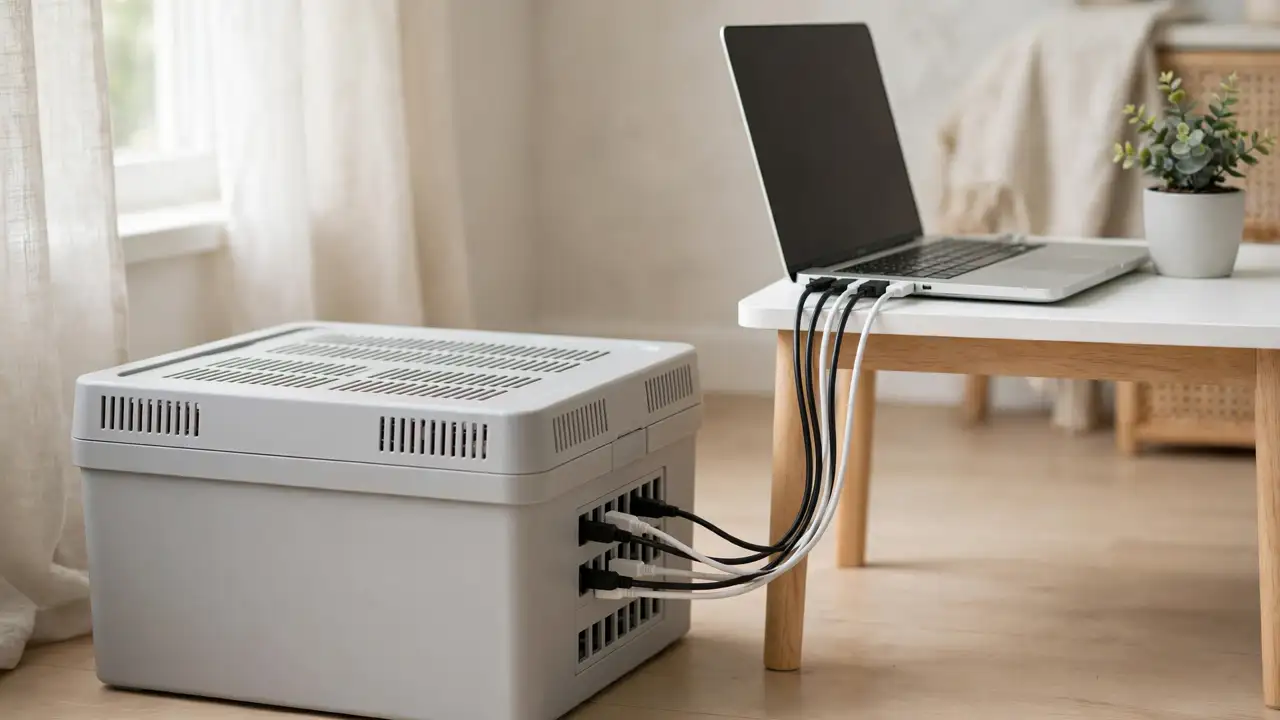
A cable-management box is a lidded box with slots for cables, made to hold a power strip and its plugs out of sight. It needs no fixing: it sits beside the desk or on a shelf, and you can take it with you when you move.
Choose the box carefully. It must be large enough for the strip plus its plugs, with room for air around them, and it must have ventilation holes that stay open when the lid is on. A sealed box or a storage tub is not a safe home for a power strip, especially if any adapters get warm. Place it where it will not be kicked, run the cables through the slots provided, and lift the lid from time to time to check for heat and dust.
Method 3: Behind Furniture, or on the Side of the Desk
In a very small office, the best hiding place may be furniture you already have: a small cabinet, a shelf unit, or a bookcase near the desk. The strip sits behind or inside it, out of sight from the door, with cables running in a short line from the desk. This costs nothing and needs no fixing, but the strip must sit on a stable surface, not balanced on papers or wedged behind a drawer.
Keep it off the floor, where it can be kicked or splashed, and do not push heavy furniture hard against the strip or its cable, or trap the cable in a door or drawer. Access is the usual problem: a strip behind a bookcase is badly placed if you have to move the bookcase to switch it off. If there is no room under the desk and no space for a box, the side of the desk can also work, provided the strip is secure.
Ventilation and Heat
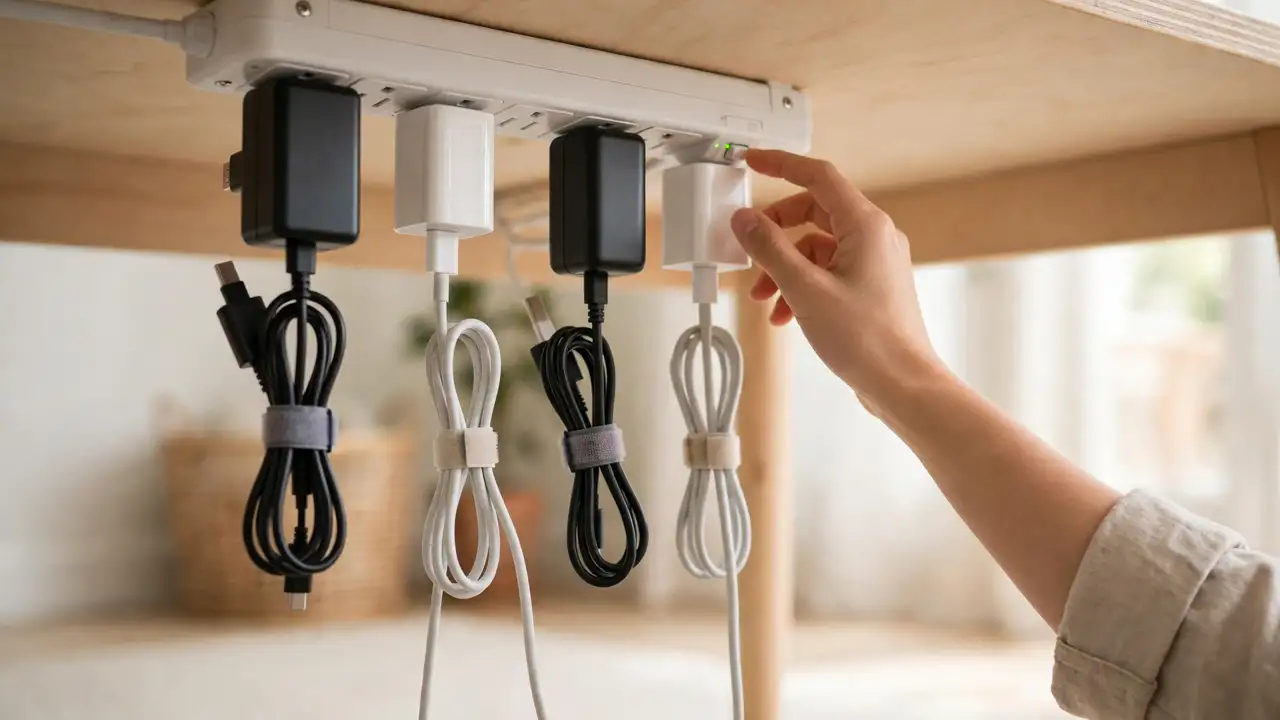
Every hiding method has the same limit: air. Strips and adapters produce heat in normal use, and some adapters — laptop chargers and monitor power bricks — get noticeably warm. A strip hidden with no airflow can get hotter than it should.
Leave space around the strip and any warm adapter. Do not pack plugs and adapters tightly together, and do not pile cables on top of a warm adapter. Never cover a strip or an adapter with fabric or paper, and never seal a strip inside a closed box with no ventilation. Watch for a strip too hot to touch, a smell of hot plastic, or a loose socket — if you notice any of them, switch off at the wall and unplug.
Keeping the Switch Accessible, and Rental-Friendly Fixes
The switch is the reason many hiding places fail. A strip hidden so well that you cannot switch it off is not hidden — it is lost. Before you fix anything, sit at the desk and reach for the switch. You should be able to find it by touch, without moving the chair or furniture. If you have to stretch or crawl, move the strip.
Most small home offices are in rented homes, so most hiding methods need to leave no trace. The simplest rental-friendly options are a ventilated box, a clamp-on tray, a strip behind furniture, or adhesive holders that can be removed cleanly. Adhesive fixings only work if the surface, weight rating, and curing time are right — clean the surface, press the pads firmly, wait for the full curing time, and check the rating against the loaded strip. A clamp-on tray and a freestanding box need no permission; screws into a desk or a wall usually do, so when in doubt, ask the landlord in writing.
Common Mistakes to Avoid
- Switch out of reach: if you must move furniture to switch off, the hiding place is wrong.
- Sealed box: a box with no ventilation, or with its vents blocked, traps heat around the strip and warm adapters.
- Daisy-chaining strips: never plug one power strip into another, or into an extension lead.
- Overloading the strip: keep the load to normal desk equipment and follow the manufacturer’s guidance. Heaters and kettles do not belong on a desk strip.
- Cables across a walkway: a strip cable that crosses the floor to a distant socket is a trip hazard.
- Crushed cables, or covering warm adapters: do not push furniture against a cable, trap a cable in a drawer or door, or wrap adapters in fabric.
Troubleshooting
The strip keeps falling down, or the box is too small. The fixing is wrong for the weight or the surface: check the adhesive rating and curing time, or switch to a clamp-on tray. Measure the strip with the plugs in and buy a larger box, rather than forcing plugs in or leaving the lid off.
The switch is hard to reach, or the strip feels hot. Move the strip closer to your sitting side so the switch is within arm’s reach. If the strip or an adapter feels unusually hot, switch off at the wall and unplug, and stop using it if the heat or a smell of hot plastic persists.
Cables still look messy, or the cable will not reach the socket. The strip is probably in the wrong place. Move it closer to the devices and the socket, bundle the cables loosely, and route them along the back of the desk. Do not use an extension lead or a second strip to bridge the gap.
Frequently Asked Questions
Is it safe to hide a power strip in a cable-management box?
Yes, provided the box is made for the job, is large enough for the strip and its plugs, and has ventilation that stays clear when the lid is on. Do not use a sealed box or a storage tub.
What is the best rental-friendly way to hide a power strip?
A ventilated cable-management box or a clamp-on tray is usually best, because neither needs drilling. A strip behind furniture you already own is the cheapest option. Adhesive holders can work on a smooth surface, if rated for the loaded strip’s weight and given their full curing time.
A Small Office, Tidied
Hiding a power strip in a small home office is a layout job before it is a shopping job. Pick the spot that is close to the socket, close to the desk, out of the walkway, and within reach of the switch. Then choose the hiding method that suits that spot, and check the ventilation and the access before you fix anything.