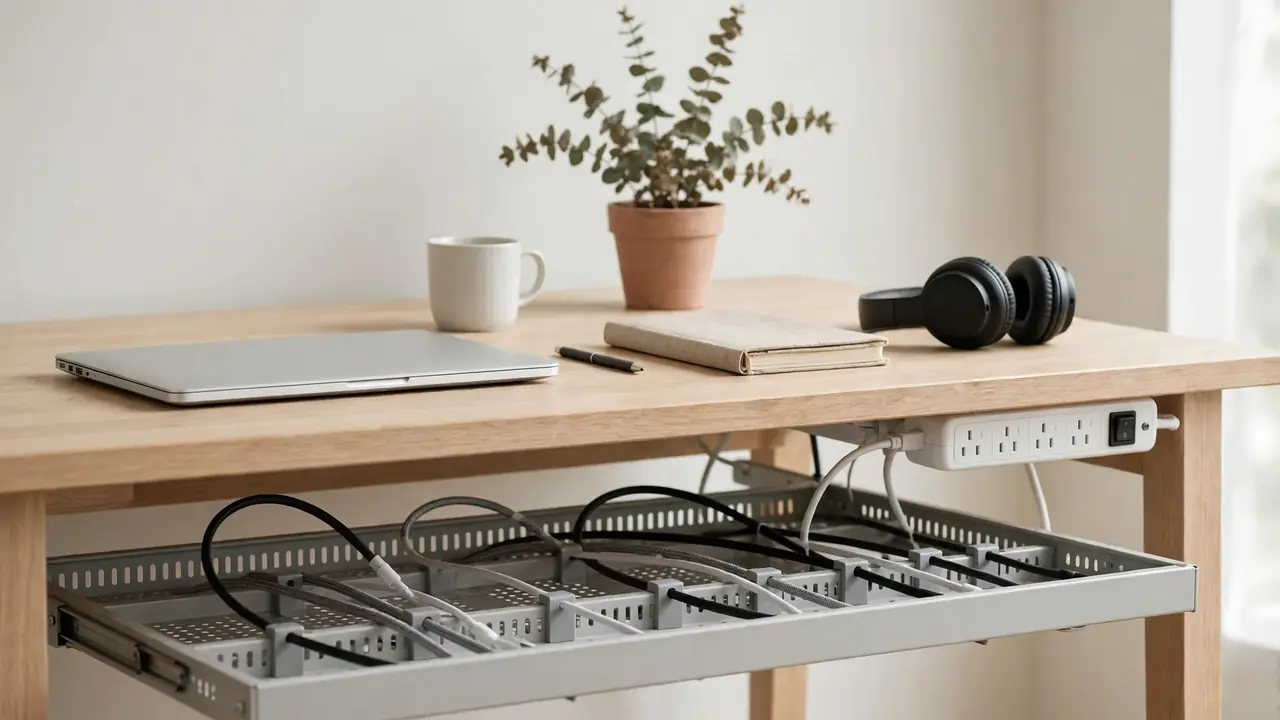
The most common under-desk cable management mistakes are pulling cables drum-tight, forcing thick cables into narrow clips, overfilling a tray, covering hot power adapters, daisy-chaining power strips, and running cables across the floor where chairs and feet catch them. Avoid those six, give cables a wide route with gentle bends, solid fixings and room to breathe, and most setups stay tidy and safe. The rest of this guide explains each mistake in turn, why it causes trouble, and the simple fix that prevents it.
Most cable management failures are not caused by buying the wrong product. These under desk cable management mistakes are caused by a good product used in the wrong way: a tray that is too small, ties pulled too tight, a power strip hidden where it cannot cool, or a route that looked neat on day one and fell apart the first time the desk was moved. None of them needs expensive equipment to fix — usually the correction is to loosen, widen, or move something already fitted.
1. Pulling Cables Drum-Tight
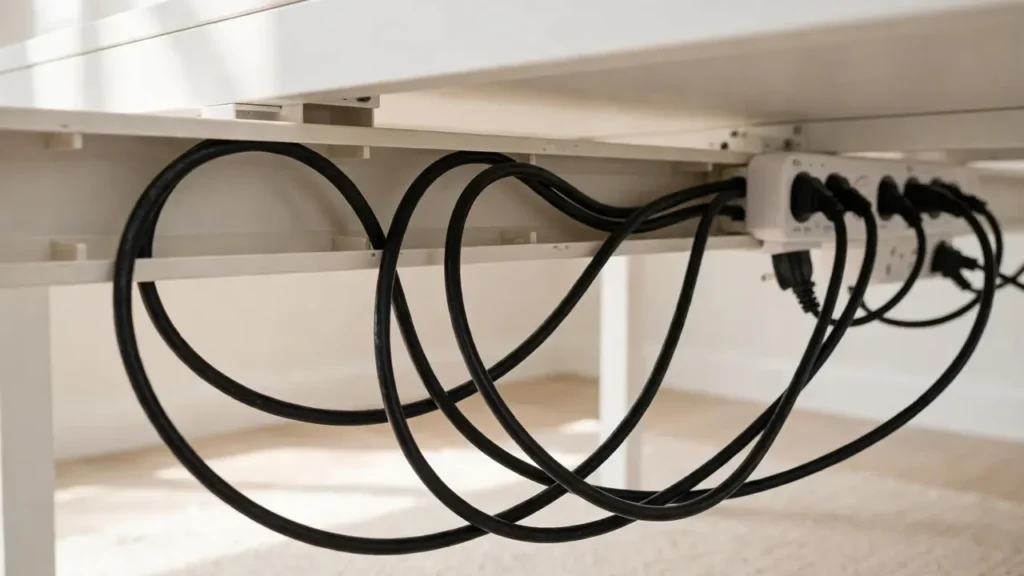
A cable pulled tight looks neat, but it is under constant strain. It tugs on plugs, loosens sockets over time, and leaves no room for the desk to move, a device to be shifted, or a plug to be removed without disturbing everything else. The fix is slack: a gentle loop, roughly a hand’s width, near each device and near the power strip, so nothing is under tension. Try moving the device a few centimetres: if the whole bundle moves with it, the cables are too tight.
2. Forcing Thick Cables Into Narrow Clips and Trays
Thick power cables need a wide channel. Forced into a narrow clip, a small tray or a tight spiral, they spring back, pull fixings off, and bend sharply where they enter the clip. That sharp bend stresses the insulation and conductors inside, and the cable will keep trying to return to its natural shape. Measure the bundle and choose a channel comfortably wider than that, with room for one more cable. If a lid has to be forced shut, the container is too small.
3. Overfilling a Tray or Sleeve
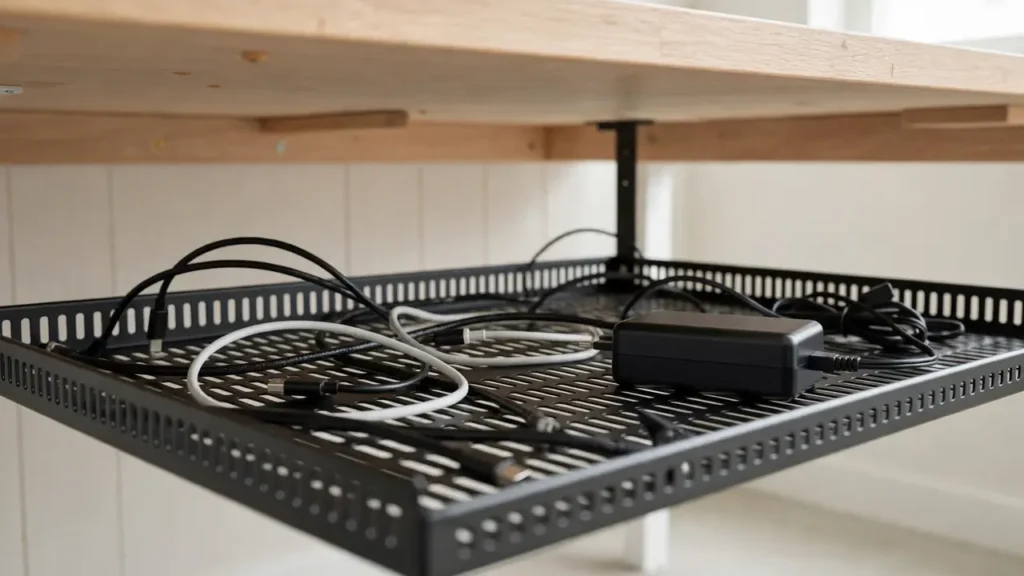
Overfilling is the same mistake in a different form. A tray that is packed solid traps heat, hides individual cables, and makes it impossible to add or remove one cable without disturbing the rest. Power adapters buried in the middle of a packed tray cannot shed heat, and data cables crushed under heavy mains leads can be damaged. Leave at least a quarter of the tray empty, and give each large adapter its own space. If you are out of room, add a second tray rather than stuffing the first.
4. Covering Hot Power Adapters
Power adapters generate heat in normal use, and they need airflow to shed it. Covering one with fabric, burying it under cables, or sealing it inside a closed box is one of the more serious mistakes in this list. It can shorten the adapter’s life and, in the worst case, create a fire risk. Let it sit flat in a ventilated tray with air around it. If one feels uncomfortably hot during normal use, unplug it, let it cool, and check the manufacturer’s guidance.
5. Daisy-Chaining Power Strips and Overloading Sockets
Plugging one power strip into another to gain extra sockets — daisy-chaining — is unsafe and should never be done. It can overload the first strip and the wall socket, and it defeats the overload protection built into a single strip. The same applies to overloading a strip with high-power devices, or using a strip beyond the load rating printed on it. If you need more sockets, buy a strip with enough outlets, plug it directly into a wall socket, and keep its load within its rating. For fixed wiring, ask a qualified electrician.
6. Running Cables Across the Floor
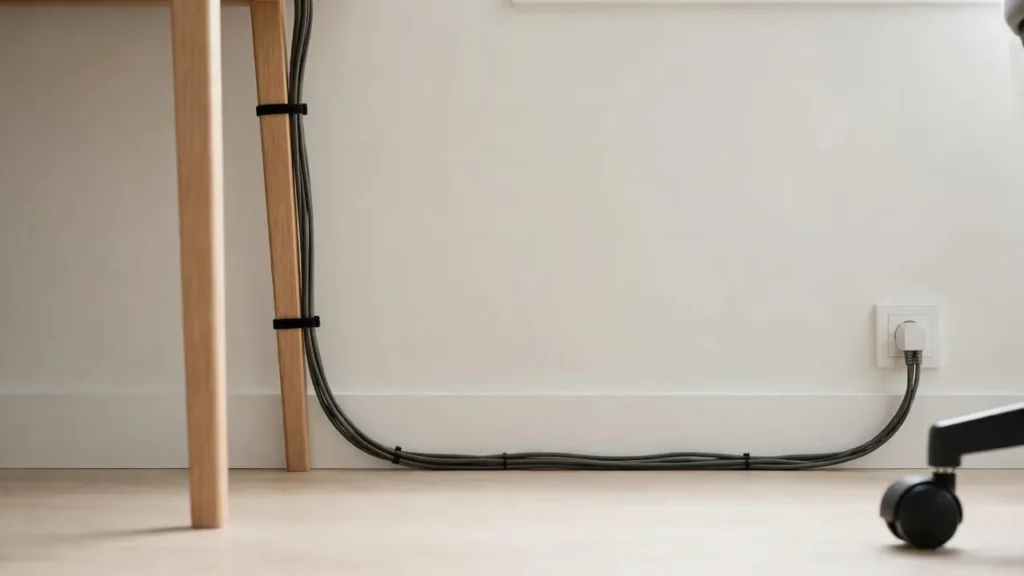
Cables on the floor behind a desk get caught by chair wheels, kicked by feet, and pinched when the desk is pushed back against the wall. They are also a trip hazard, especially in a small room or a shared workspace. Keep the run under the desk and down one leg, then along the skirting board to the socket. Never run a cable where it will be stepped on or trapped under a desk leg.
7. Using the Wrong Fixings for the Weight
Light adhesive clips are made for light cables. Used on a bundle of thick power cables, they hold for a day, then fail overnight — often dropping the whole bundle at once. The mistake is not the adhesive, but the mismatch between fixing and load. Check the weight rating on any adhesive product, and check the desk material: adhesive sticks well to smooth laminate and painted metal, less well to raw wood, textured finishes and dusty surfaces. For heavy bundles, use screws where drilling is allowed, or clamp and strap fixings. Clean the surface first, and test one fixing under load for a day.
8. Mixing Power and Data Cables Into One Crushed Bundle
It is tempting to tie everything into a single bundle, but power and data cables have different needs. Thick mains leads are heavy and stiff; thin data cables are light and easily crushed. Wrapped together tightly, the thin cables end up underneath, bent sharply, and hard to identify or replace. Keep power and data loosely separated where you can — power on one side of the tray, data on the other — and never crush data cables under heavy mains leads. Use wide hook-and-loop ties rather than zip ties, and label cables at both ends.
9. Hiding Cables So Well You Cannot Reach Them
A setup that looks perfect but cannot be changed is a setup that will be ripped out the first time a cable needs replacing. Cables sealed behind fixed panels, glued in place, or tied so tightly that a single plug cannot be removed without cutting everything apart are a common frustration. Build for change: use removable ties, trays with open ends, and sleeves that open along their length, and leave access to every plug and the strip switch.
10. Forgetting the Desk Will Move
Desks are moved more often than people expect — for cleaning, for a new layout, or on a height-adjustable desk, every day. A cable route that only works with the desk in one exact position will fail the first time it moves. Leave slack for movement, avoid fixing cables rigidly to moving parts, and test the full range before fixing anything permanently. On a standing desk, check the highest and lowest settings: the cable should never go taut at the top or catch at the bottom. On a fixed desk, pull it out slightly and check nothing pulls or catches.
11. Skipping the Plan and Buying First
Buying a tray, sleeve or set of clips before measuring the bundle and the desk is a reliable way to end up with the wrong size. The tray is too shallow for the adapters, the sleeve is too narrow for the bundle, or the clips do not fit the leg shape. Plan first: lay cables in their real positions, measure the bundle, and check the desk material and leg shape. Then buy one main route that fits with room to spare.
How to Check Your Own Setup
Walk through this quick check once your setup is in place, and again a week later. Is any cable pulled tight, bent sharply, or crushed under another cable? Is any adapter covered, stacked, or sealed in a box? Is the power strip plugged directly into the wall, within its load rating, and reachable? Is the tray less than three-quarters full, with air around the cables? Does the bundle follow one leg to the floor, clear of feet and chair wheels? Can you unplug any one device without disturbing the rest? If you answer yes to the last question and no to the others, the setup is in good shape. If not, the fix is usually small: loosen a tie, move an adapter, add slack, or move a cable to a second tray.
Fixing Mistakes in the Right Order
If your current setup has several of the problems above, fix safety first, then structure, then tidiness. Start with the power strip and adapters: remove any daisy-chained strip, uncover any adapter, and move any cable off the floor. Next, fix the route: loosen tight ties, widen or empty an overfilled tray, and move the bundle to a single leg. Only then worry about how it looks — labels, sleeves and a tidy finish come last, because they are easy to redo and they hide problems if they are fitted first. Working in that order also keeps the job manageable: the safety fixes take minutes, the route fixes take an hour, and the finishing touches can wait until the next time you add a device.
Troubleshooting Common Failures
The tray keeps falling down. It is probably overloaded, or fixed with adhesive that cannot take the weight. Reduce the load, add a centre fixing, or switch to screws or clamps. Clips keep coming off. Clean the surface, check the weight rating, and use straps or screw fixings for thick cables. A device loses power when the desk moves. A cable is too tight or a plug is being pulled — add slack near the device. The bundle looks tidy but smells warm. Switch everything off, check for a covered or stacked adapter, and give it air before switching back on. You cannot find a cable. Label both ends next time, and keep power and data loosely separated.
Frequently Asked Questions
What is the single biggest mistake? Pulling cables tight and overfilling the tray. Those two cause most of the failures that follow, from falling trays to pulled plugs. Can I fix a bad setup without buying anything? Often, yes. Loosening ties, adding slack, removing one cable from an overfilled tray, and uncovering an adapter cost nothing and fix a surprising amount. Is it worth redoing a setup that mostly works? If it has a safety issue — a daisy-chained strip, a covered adapter, or a cable across the floor — yes, straight away. If it is only untidy, fix it the next time you add or move a device. How often should I check under the desk? A quick look every few months, and a proper check whenever you move the desk or add a device, is enough for most home offices.
Good under-desk cable management is less about perfection than about avoiding the few mistakes that cause real trouble. Keep cables loose, wide, ventilated and reachable, keep power safe, and keep the floor clear — and the setup will stay tidy long after the day you fitted it.